ZIP to STL Batch Converter
Extract or convert packaged 3D files from a ZIP downloaded from Thingiverse, Printables, or a CAD repository into clean Binary STL output.
Technical principle
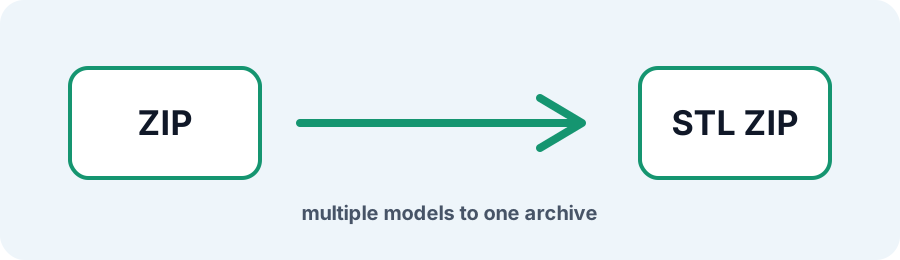
ZIP jobs also enforce file-count and decompressed-size safety budgets. Unsupported files are skipped and the output archive keeps the generated STL files together. The exporter turns the source into a bounded triangle mesh and exposes the…
Parameters at a glance
| Parameter | Value | Why it matters |
|---|---|---|
| Input format | .ZIP | Accepted source file extension. |
| Output format | STL | Geometry or archive produced by this route. |
| File size | Up to 250 MB | Upload guardrail before parsing or conversion. |
| Mesh review | Preview, normals, open edges | Check geometry before download or slicing. |
Streamline Downloaded 3D Model ZIP Archives
Repositories and CAD vendors often distribute multi-part projects inside ZIP archives containing mixed 3D formats. Upload a ZIP up to 250 MB to extract and convert supported geometry in one batch.
Frequently Asked Questions
Which formats inside a ZIP can be converted to STL?
The processor detects supported OBJ, 3MF, FBX, STEP, STP, GLB, and STL entries and ignores non-3D files such as README documents or preview PDFs.
What if my ZIP only contains images or PDFs?
A document-only archive has no 3D geometry. Use the PNG to STL or JPG to STL workflow for supported image inputs.
What is the maximum ZIP archive size?
A ZIP upload can be up to 250 MB, with additional nested-file and decompressed-output safety limits.