STL to FBX Converter
Export static STL triangle meshes into FBX scenes ready for rigging, animation, and real-time rendering in Unreal Engine, Unity, Maya, and 3ds Max.
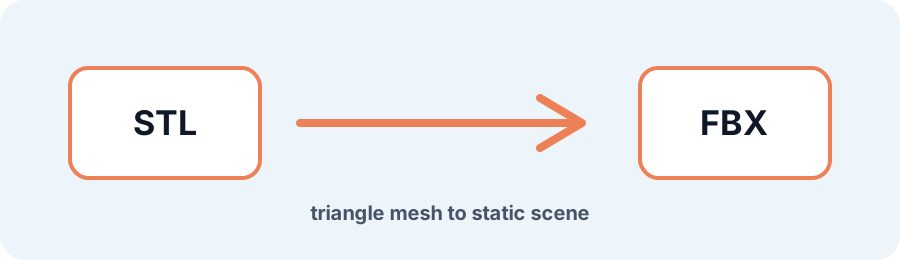
Technical principle
Check scale, normals, and polygon count in the destination application before adding scene data. The exporter turns the source into a bounded triangle mesh and exposes the selected units, tessellation, or image settings before download. Review…
Parameters at a glance
| Parameter | Value | Why it matters |
|---|---|---|
| Input format | .STL | Accepted source file extension. |
| Output format | FBX | Geometry or archive produced by this route. |
| File size | Up to 250 MB | Upload guardrail before parsing or conversion. |
| Mesh review | Preview, normals, open edges | Check geometry before download or slicing. |
Preparing STL Meshes for Real-Time 3D Tools
This export changes the container around the STL surface so downstream DCC and game tools can import it as static scene geometry. It does not invent rigs, animation, UVs, or materials that were absent from STL.
Frequently Asked Questions
Can I use the FBX in Unity or Maya?
Yes. The generated static mesh can be imported into tools that support FBX; verify scale, normals, and polygon count in the destination tool.
Does STL to FBX create a rig or animation?
No. STL contains surface triangles only, so the export is a static mesh without bones, animation, or materials.
What if the STL has holes?
Inspect the topology first and use Repair STL for supported boundary holes or open edges.