OBJ to STL Converter
Triangulate Wavefront OBJ polygon models from Blender, ZBrush, or Maya into clean Binary STL meshes. OBJ files up to 250 MB can run locally when browser mesh limits allow.
Technical principle
Use STL to OBJ for editing, then inspect the generated STL for open edges before slicing. The exporter turns the source into a bounded triangle mesh and exposes the selected units, tessellation, or image settings before download. Review the…
Parameters at a glance
| Parameter | Value | Why it matters |
|---|---|---|
| Input format | .OBJ | Accepted source file extension. |
| Output format | STL | Geometry or archive produced by this route. |
| File size | Up to 250 MB | Upload guardrail before parsing or conversion. |
| Mesh review | Preview, normals, open edges | Check geometry before download or slicing. |
How OBJ to STL Triangulation Works
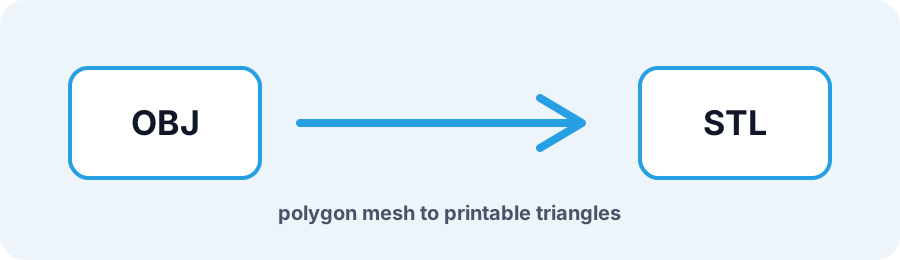
Wavefront OBJ files frequently use quads or n-gons alongside MTL texture maps. Because slicers require triangle meshes, this converter triangulates polygon faces, removes non-printable UV and material links, and calculates consistent outward face normals.
Frequently Asked Questions
Is my OBJ file uploaded during STL conversion?
OBJ files up to 250 MB can be converted inside your browser with a local Web Worker when face and vertex limits allow. Files that exceed those safety limits use the conversion API and follow the retention policy on the Privacy page.
What happens to my MTL file and textures?
STL is a geometry-only format. The conversion keeps vertex and face geometry while dropping MTL shaders, textures, colors, and UV data.
How do I fix inverted normals from a Blender OBJ export?
Review the live preview and run Repair STL when faces are inverted or open edges are highlighted.