FBX to STL Converter
Convert rigged or static Autodesk FBX assets from Maya, 3ds Max, Unreal, or Unity into static Binary STL geometry ready for 3D printing.
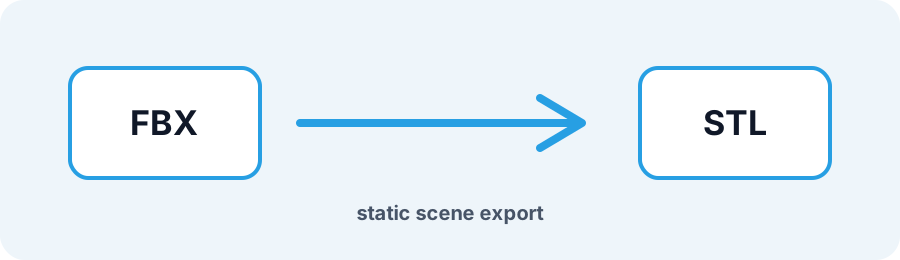
Technical principle
Use STL Checker and Repair STL when a game mesh needs topology cleanup before slicing. The exporter turns the source into a bounded triangle mesh and exposes the selected units, tessellation, or image settings before download. Review the bounding…
Parameters at a glance
| Parameter | Value | Why it matters |
|---|---|---|
| Input format | .FBX | Accepted source file extension. |
| Output format | STL | Geometry or archive produced by this route. |
| File size | Up to 250 MB | Upload guardrail before parsing or conversion. |
| Mesh review | Preview, normals, open edges | Check geometry before download or slicing. |
Preparing Game and Animation FBX Models for 3D Printing
FBX files are built for animation and can contain skeletal rigs, cameras, lights, and unapplied node scaling. Converting FBX to STL strips non-mesh scene nodes, applies world-space transforms, and triangulates the surface into one STL file. Game assets may contain single-sided shells, so inspect the result for open edges.
Frequently Asked Questions
Why is my FBX model tiny or rotated after conversion?
Game engines often use Y-up axes and centimeter units while slicers use Z-up and millimeters. Root transforms are applied; verify orientation and scale in the STL Viewer.
Does FBX to STL make non-manifold game models watertight?
Conversion triangulates polygons but does not invent missing surfaces. Zero-thickness plates and floating shells remain open and may need Repair STL.
Which FBX versions are supported?
Binary and ASCII FBX files up to 250 MB are accepted when the source can be read by the conversion worker.