STL to OBJ Converter
Convert STL triangle meshes into vertex-indexed Wavefront OBJ files for sculpting, UV unwrapping, and rendering in Blender, ZBrush, Cinema 4D, or Maya.
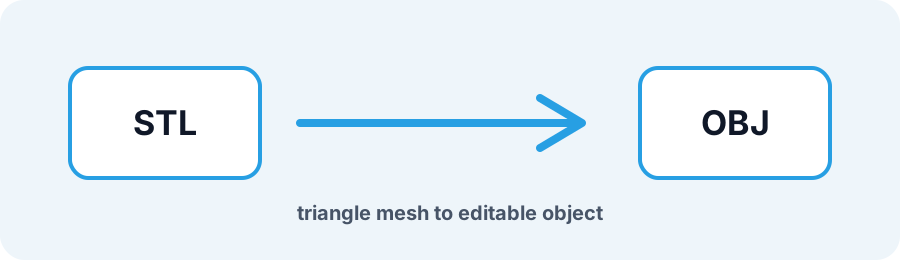
Technical principle
Files up to 250 MB can run locally when browser mesh limits allow; larger or complex meshes use the API path shown by the uploader. The exporter turns the source into a bounded triangle mesh and exposes the selected units, tessellation, or image…
Parameters at a glance
| Parameter | Value | Why it matters |
|---|---|---|
| Input format | .STL | Accepted source file extension. |
| Output format | OBJ | Geometry or archive produced by this route. |
| File size | Up to 250 MB | Upload guardrail before parsing or conversion. |
| Mesh review | Preview, normals, open edges | Check geometry before download or slicing. |
Why Convert STL to OBJ Before Editing?
STL stores a triangle soup where each triangle repeats its vertex coordinates and has no UV or material groups. Converting STL to OBJ welds shared vertices into an indexed table so DCC tools can smooth, subdivide, and texture the mesh.
Frequently Asked Questions
Does STL to OBJ run locally in my browser?
STL files up to 250 MB can convert in a Web Worker when face and vertex safety limits allow. Inputs that exceed those limits use the conversion API.
Does converting STL to OBJ weld duplicate vertices?
Yes. Coincident triangle corners are indexed into a clean Wavefront vertex and face list with output normals.
Can I add colors and textures after conversion?
Yes. Add UVs, materials, and textures in Blender, ZBrush, or another editor because the source STL does not carry reliable material data.