DXF to STL Converter
Extrude 2D AutoCAD DXF profiles, laser-cutting templates, and CNC polylines into solid, dimensionally accurate 3D printable STL parts.
Technical principle
Clean open construction lines and confirm the drawing units and final bounding box before slicing. The exporter turns the source into a bounded triangle mesh and exposes the selected units, tessellation, or image settings before download. Review…
Parameters at a glance
| Parameter | Value | Why it matters |
|---|---|---|
| Input format | .DXF | Accepted source file extension. |
| Output format | STL | Geometry or archive produced by this route. |
| File size | Up to 250 MB | Upload guardrail before parsing or conversion. |
| Mesh review | Preview, normals, open edges | Check geometry before download or slicing. |
Turning 2D DXF Profiles into 3D Printed Parts
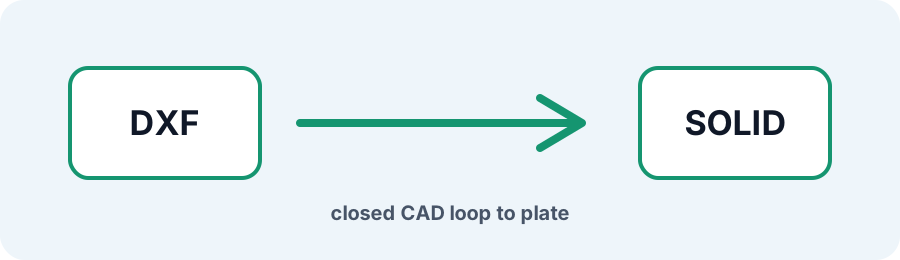
DXF drawings often contain flat patterns for laser cutting, waterjet, or CNC routing. The converter reads supported closed line loops and extrudes the 2D cross-section along Z into a watertight STL solid.
Frequently Asked Questions
Why did part of my DXF fail to extrude?
Contours must form closed loops. Open construction lines, duplicate geometry, or gaps can prevent a watertight cap; clean and join the polylines in AutoCAD or LibreCAD.
Are inner bolt holes preserved?
Closed circles and interior polylines nested inside an outer boundary are treated as through-holes in the extrusion.
Does DXF to STL preserve my drawing dimensions?
Vertex coordinates are mapped into STL units. Confirm the selected unit and final dimensions in your slicer because STL does not store unit metadata.