3MF to STL Converter
Unpack 3MF archives from Bambu Studio, PrusaSlicer, or Cura and extract pure Binary STL triangle meshes ready for any FDM or SLA slicer.
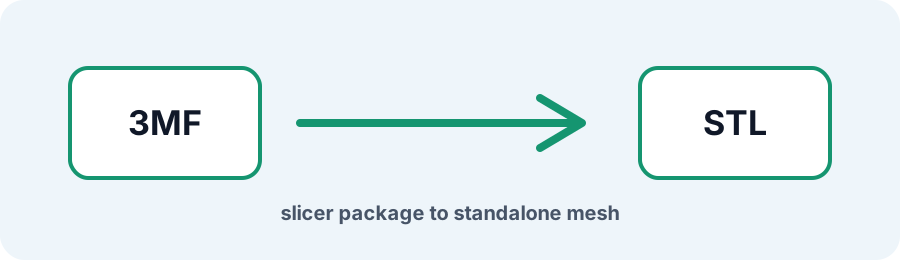
Technical principle
Keep the original 3MF when colors, supports, or print profiles matter. Review the extracted mesh in the STL Checker before slicing. The exporter turns the source into a bounded triangle mesh and exposes the selected units, tessellation, or image…
Parameters at a glance
| Parameter | Value | Why it matters |
|---|---|---|
| Input format | .3MF | Accepted source file extension. |
| Output format | STL | Geometry or archive produced by this route. |
| File size | Up to 250 MB | Upload guardrail before parsing or conversion. |
| Mesh review | Preview, normals, open edges | Check geometry before download or slicing. |
Why Convert 3MF Back to STL?
While 3MF bundles print settings, multi-color painting, and build plate layouts in a compressed XML archive, many resin slicers, mesh editors, and print farms require raw STL geometry. Converting 3MF to STL removes slicer metadata and extracts the underlying mesh into a universal Binary STL file.
Frequently Asked Questions
Does converting 3MF to STL preserve multi-color painting from Bambu Studio?
No. STL stores surface triangles and face normals, so multi-color toolpaths, infill modifiers, support settings, and other 3MF metadata are discarded.
How are multi-object 3MF build plates handled?
Supported mesh bodies are transformed according to their build-plate coordinates and combined into the STL output. Review the preview and bounds before printing.
Why is the output STL larger than the original 3MF?
3MF uses ZIP compression while Binary STL stores fixed-size records for every triangle, so the uncompressed STL can be larger.