STL to GLB Converter
Package STL geometry as a compact, web-native GLB asset for interactive product viewers, Three.js, Shopify, PowerPoint, and AR previews.
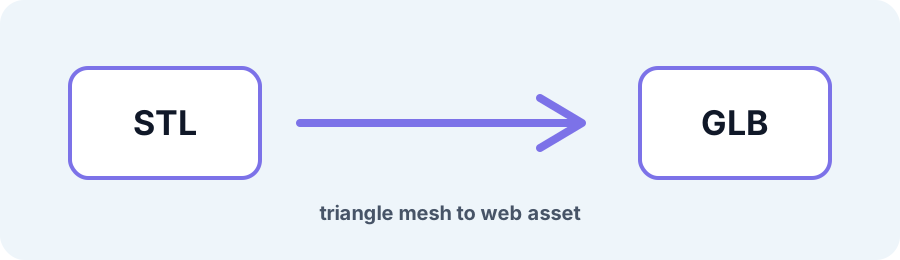
Technical principle
The export contains geometry only. Add presentation materials in your web or 3D tool and verify scale in the target viewer. The exporter turns the source into a bounded triangle mesh and exposes the selected units, tessellation, or image settings…
Parameters at a glance
| Parameter | Value | Why it matters |
|---|---|---|
| Input format | .STL | Accepted source file extension. |
| Output format | GLB | Geometry or archive produced by this route. |
| File size | Up to 250 MB | Upload guardrail before parsing or conversion. |
| Mesh review | Preview, normals, open edges | Check geometry before download or slicing. |
Why GLB is Useful for Sharing STL Models on the Web
Raw STL is inefficient for web delivery and does not open natively in many AR viewers or office suites. Converting STL to GLB packages indexed geometry and normals in a self-contained glTF 2.0 buffer.
Frequently Asked Questions
How much smaller is GLB than STL?
Indexed GLB buffers are often smaller than Binary STL and can be substantially smaller than ASCII STL, depending on the mesh and attribute layout.
Does the converted GLB include a default material?
The export provides static geometry. Add or adjust materials in Three.js, Shopify, PowerPoint, or your target viewer.
Can I open the converted GLB on mobile?
GLB is supported by modern mobile browsers and common WebAR viewers. Test scale, materials, and polygon count in your target pipeline.