STEP to STL Converter
Tessellate parametric STEP solids from SolidWorks, Fusion 360, AutoCAD, and Onshape into high-resolution Binary STL meshes.
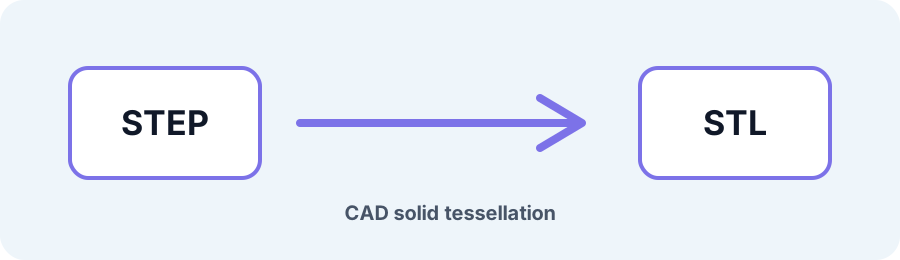
Technical principle
Choose the source unit and verify the final bounding box because STL itself does not store unit metadata. The exporter turns the source into a bounded triangle mesh and exposes the selected units, tessellation, or image settings before download.…
Parameters at a glance
| Parameter | Value | Why it matters |
|---|---|---|
| Input format | .STEP,.STP | Accepted source file extension. |
| Output format | STL | Geometry or archive produced by this route. |
| File size | Up to 250 MB | Upload guardrail before parsing or conversion. |
| Mesh review | Preview, normals, open edges | Check geometry before download or slicing. |
| Linear unit | millimeter / centimeter / meter / inch | Controls the generated geometry. |
| Deflection type | relative / absolute | Controls the generated geometry. |
| Linear deflection | Adjustable | Controls the generated geometry. |
| Angular deflection | Adjustable | Controls the generated geometry. |
Precision NURBS-to-Mesh Tessellation without Faceting
STEP defines exact CAD curves and B-Rep surfaces, while STL approximates them with flat triangles. Fine chordal tolerance and angular deflection settings keep curved mechanical parts smooth in Bambu Studio, PrusaSlicer, and Cura.
Frequently Asked Questions
Does STEP to STL keep exact millimeter dimensions?
The tessellator reads the STEP unit header and applies the selected unit setting. Verify the exported bounding box in your slicer or CAD tool before manufacturing.
Are both .STP and .STEP supported?
Yes. Both extensions use the ISO 10303-21 structure and are accepted up to 250 MB.
Is my proprietary STEP drawing kept private?
The source upload is removed after processing and generated results follow the one-hour cleanup window by default. See the Privacy page for the deployed retention details.