GLB to STL Converter
Convert web-ready GLB assets, AI-generated 3D models, and AR/VR meshes into printable Binary STL files.
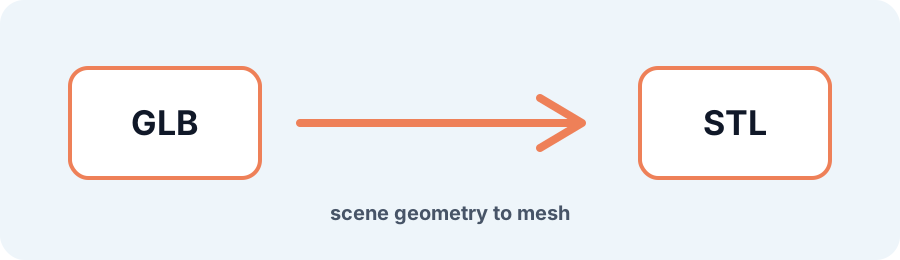
Technical principle
AI-generated meshes often contain internal cavities or non-manifold edges. Inspect the converted result before slicing. The exporter turns the source into a bounded triangle mesh and exposes the selected units, tessellation, or image settings…
Parameters at a glance
| Parameter | Value | Why it matters |
|---|---|---|
| Input format | .GLB | Accepted source file extension. |
| Output format | STL | Geometry or archive produced by this route. |
| File size | Up to 250 MB | Upload guardrail before parsing or conversion. |
| Mesh review | Preview, normals, open edges | Check geometry before download or slicing. |
Converting AI-Generated and Web GLB Models to Printable STL
GLB scenes may contain PBR textures, materials, and a hierarchy of nodes. To print a GLB model, the scene is flattened into one coordinate space and exported as an uncolored Binary STL triangle mesh.
Frequently Asked Questions
Why do details disappear when I convert GLB to STL?
GLB can fake fine detail with normal maps and PBR textures. STL preserves physical polygon geometry, not painted normal maps.
Can I convert an AI-generated GLB for 3D printing?
Yes. Preview the geometry without textures and run Repair STL when the generated mesh has supported open holes.
What is the maximum GLB file size?
GLB uploads are accepted up to 250 MB, subject to mesh safety and processing limits.